
Combat Records
Combat Records are a great way to track user's attendance to meetings, missions, and trainings.
How to create a combat record
To create a combat record go to Soldiers (Admin Panel > MILHQ > Soldiers) and click on the Quick Action button and select New Combat Record
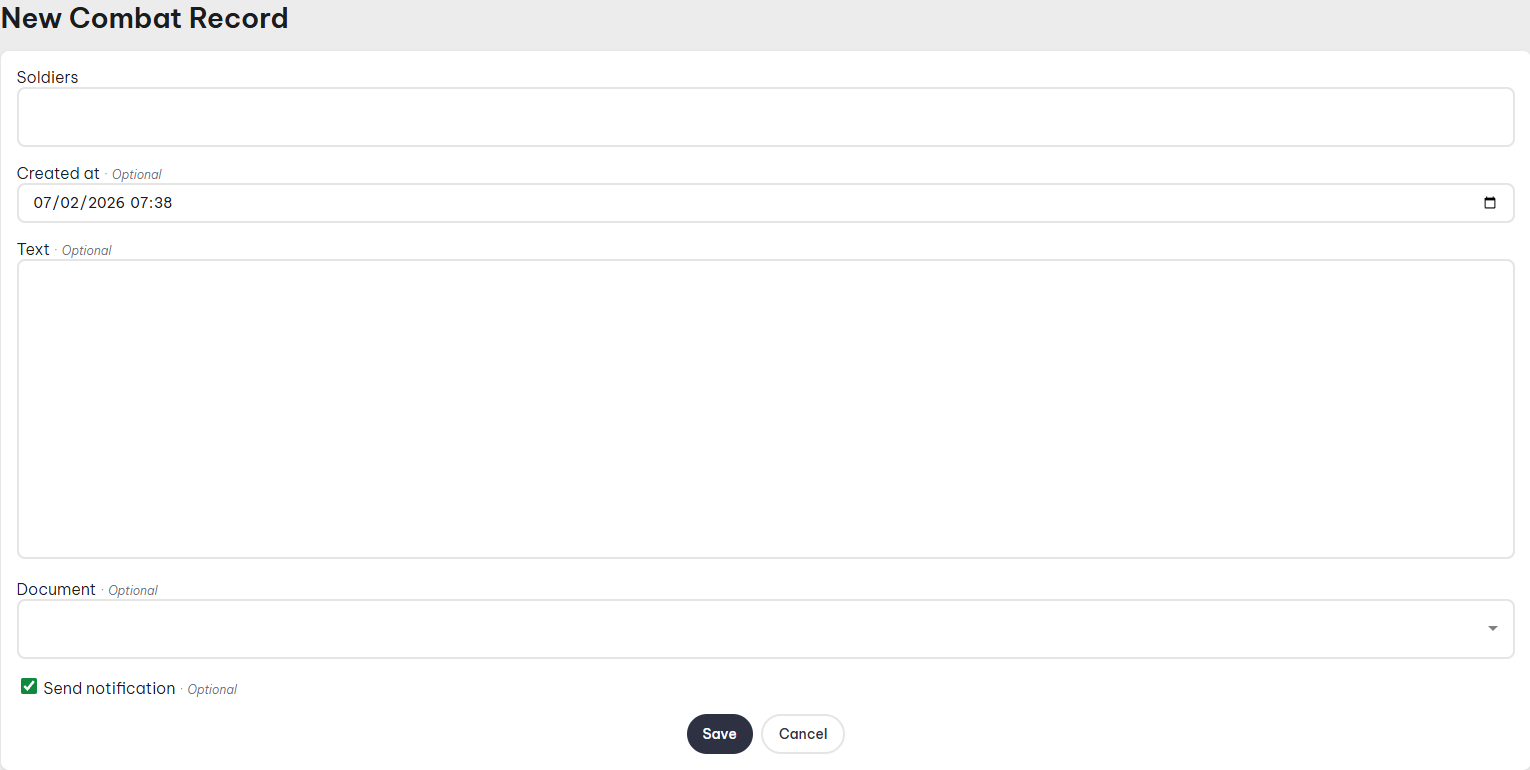
- Soldiers: You can select individual or multiple soldiers.
- Created At: Date of record.
- Text: The name of the combat record.
- Document: This lets you attach a document to the record.