
Promotions
How to promote soldiers
To promote soldiers, go to Admin Panel > MILHQ > Soldiers and click on the Quick Actions button and select Promote/Demote.
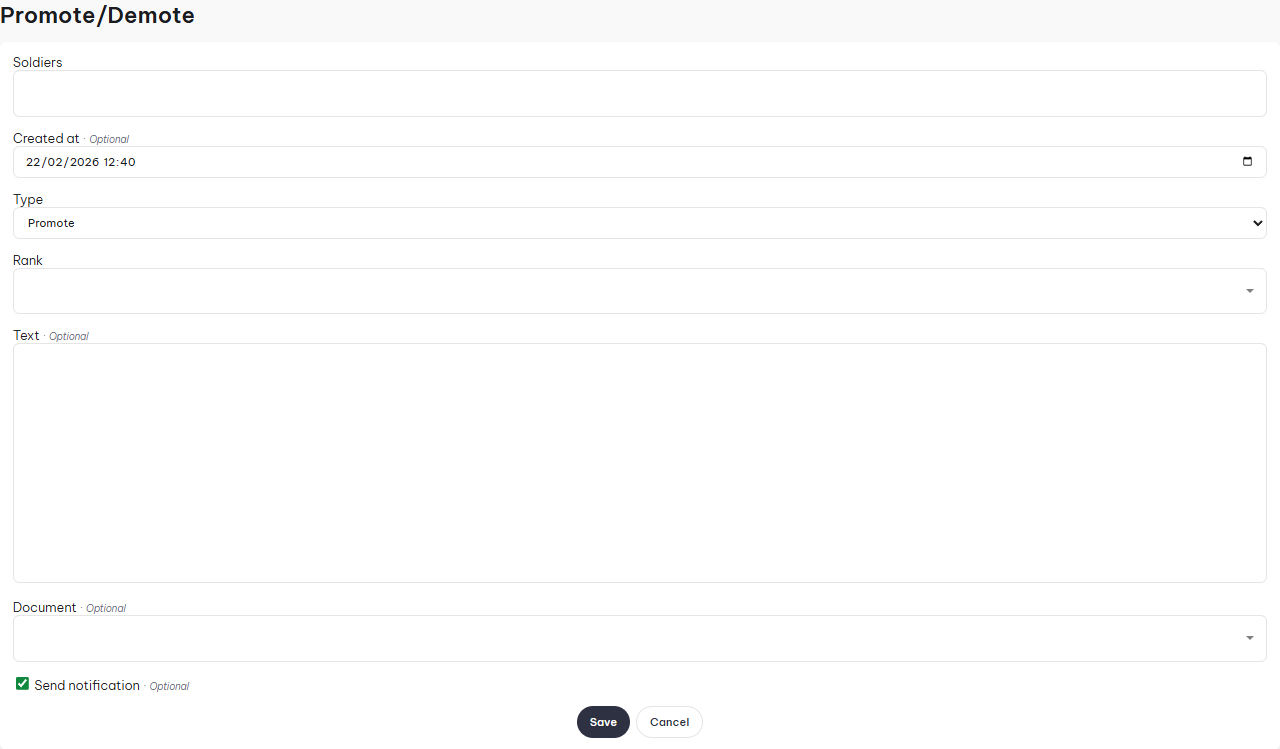
- Soldiers: Here you select the soldier you want to promote, you can do multiple soldiers as long as they're being promoted to the same rank.
- Created At: Select when the promotion happened.
- Type: Whether it's a promotion or demotion.
- Text: If you want to supply a custom message which is displayed on the p-file.
- Document: Attach a document to the record.
For demotions, follow the exact same steps, except select the type "Demote".